Everything your books need, and the things nobody else does
For the person who runs several companies and a few rentals, and for the firm that keeps their books. Open any group to see it work, step by step.
Several companies
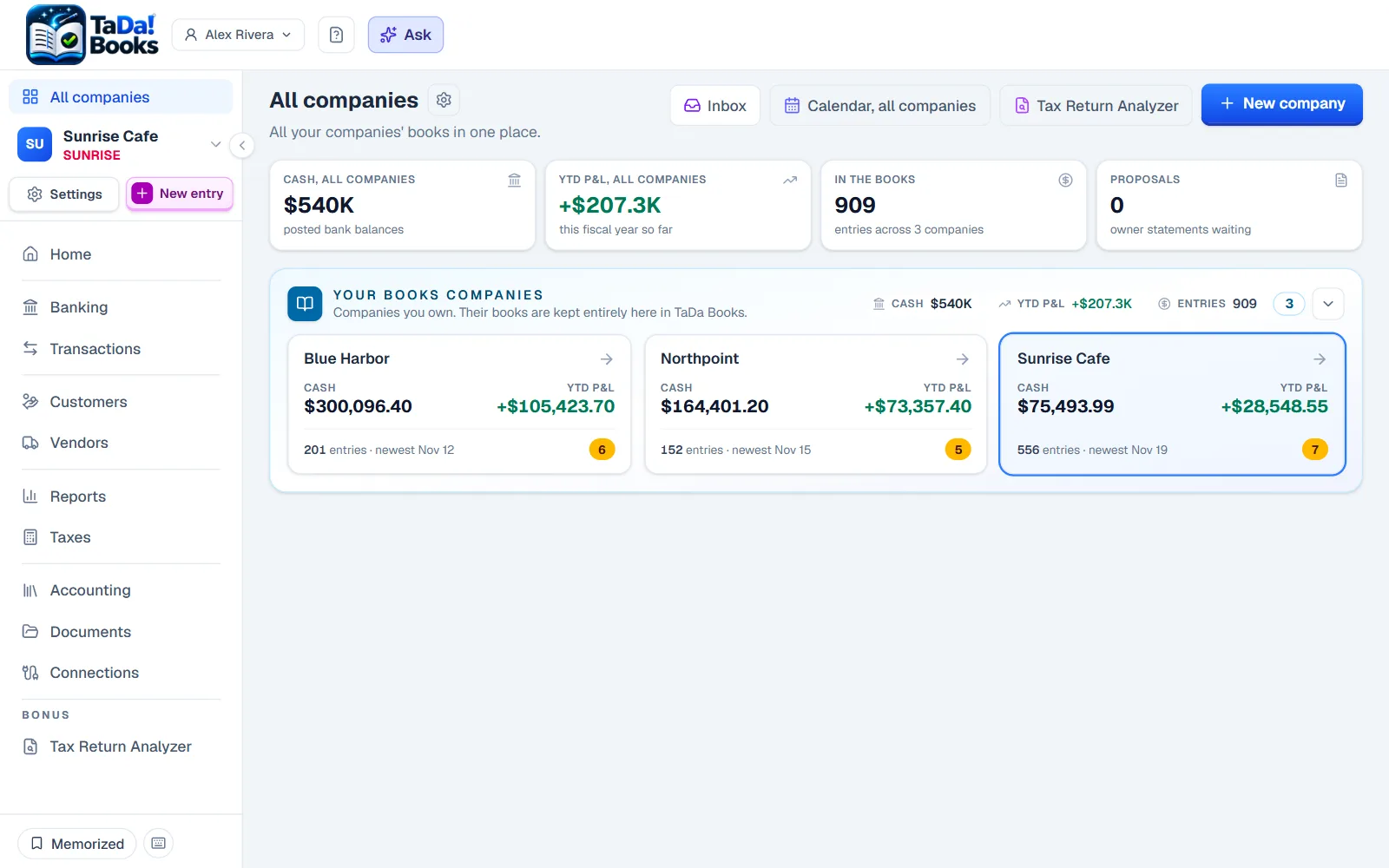
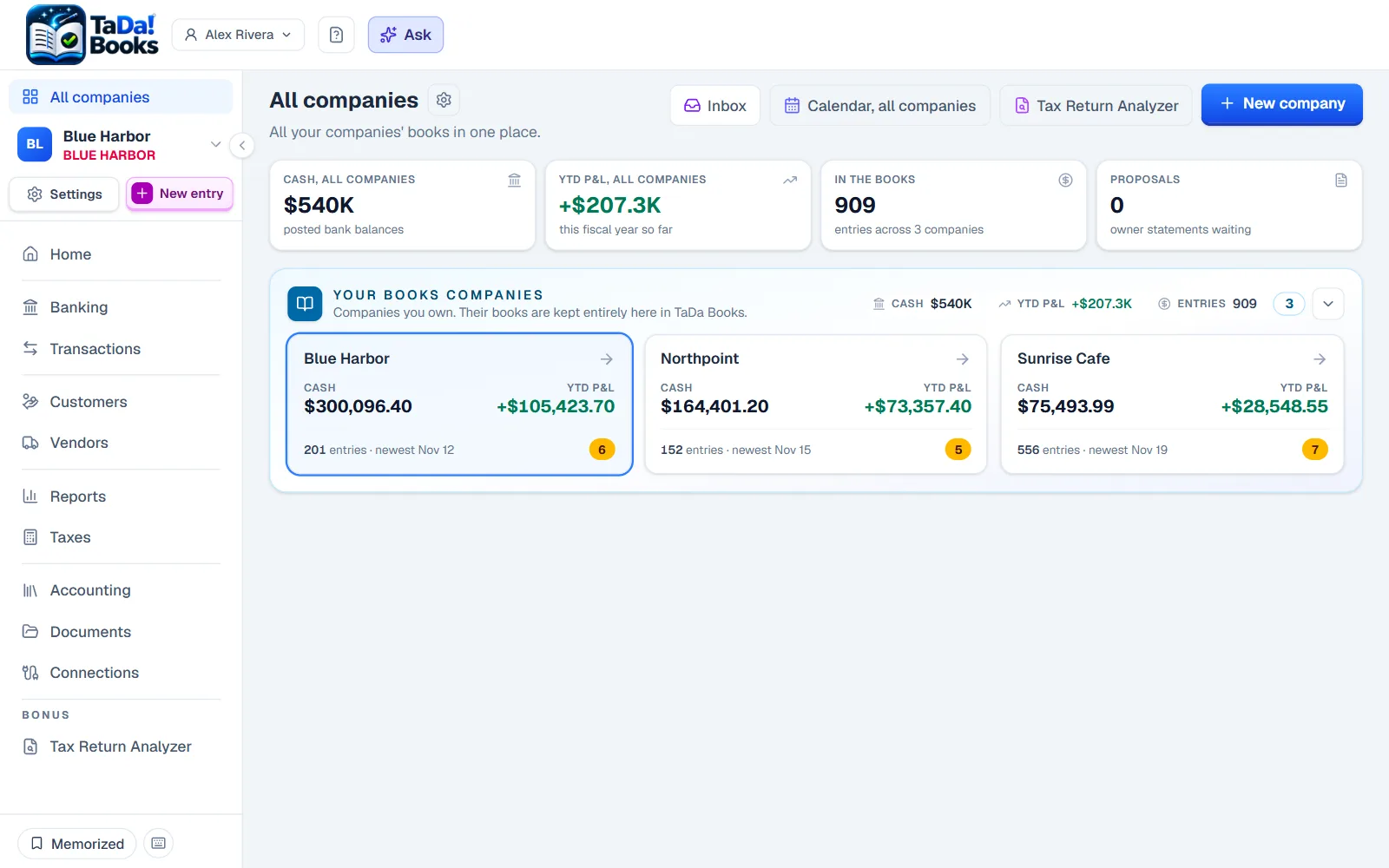
One login for every company you run, and the money between them booked right.
- Every company, one login
Open any company from one switcher that shows what is waiting in each.
- Money between your companies
A transfer from one company to another is booked on both sides at once, never as income on one side and an expense on the other.
- The combined report
See a group of companies as one, weighted by who owns what.
- People and access
Invite a partner, a bookkeeper or your accountant to exactly the companies they need.
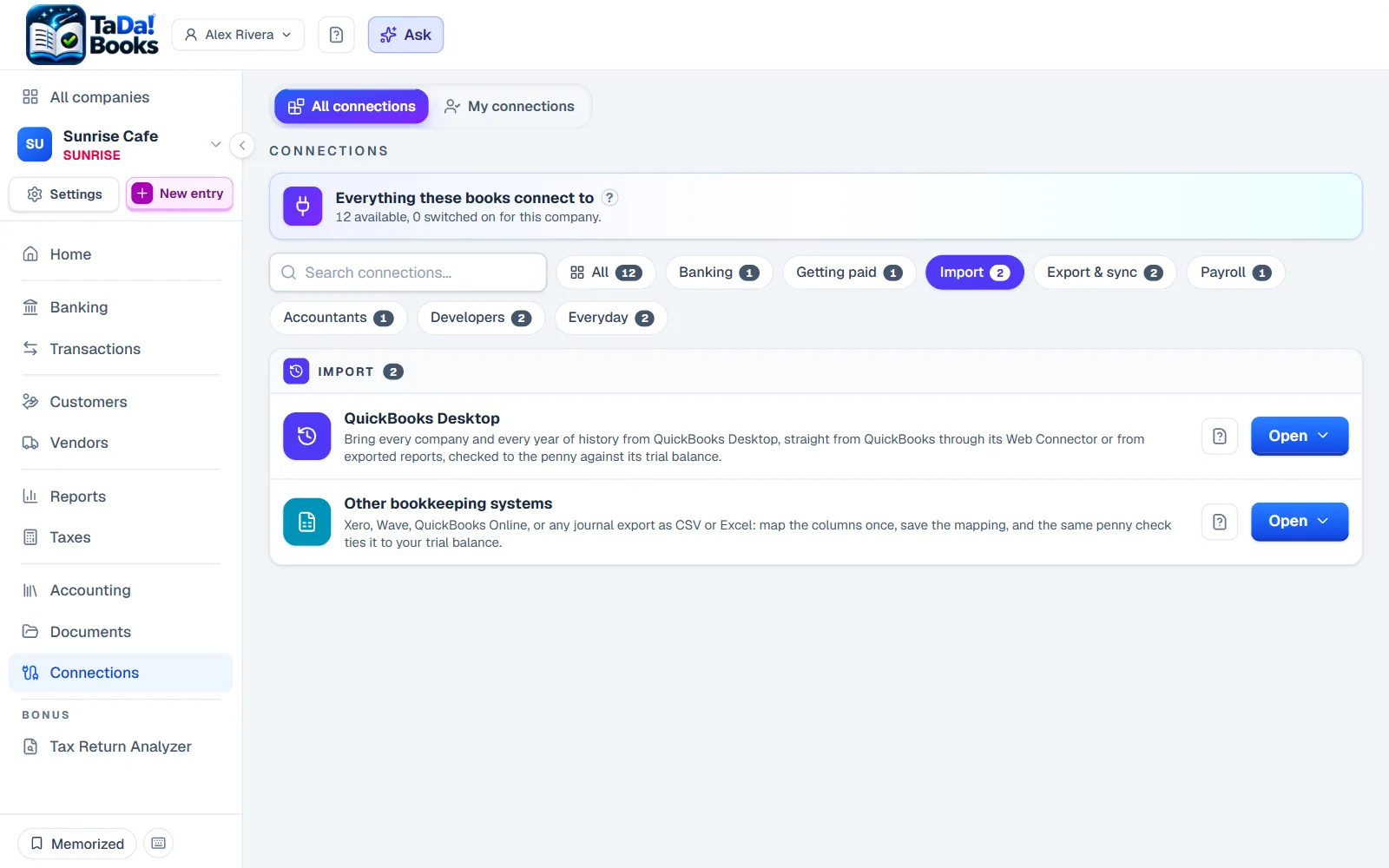
Moving in and out
Bring every year with you, and take everything with you whenever you like.
- From QuickBooks Desktop
Years of history with your accounts, classes, customers, vendors and items, from the reports QuickBooks Desktop exports. It finishes only when every account matches your trial balance to the penny.
- From QuickBooks Online, Xero or Wave
Their journal, account list and trial balance exports come in through the spreadsheet import, with the same penny check.
- Just your customers and vendors
Starting fresh? A spreadsheet of contacts comes in with one Import.
- Sync to QuickBooks Desktop
Your books can write QuickBooks Desktop files at any time, lists included, so trying us never locks you in.
- A full backup, any time
Your ledger as spreadsheets, a structured copy and every document in the vault, in one click, free.
- Never held hostage
If you stop paying, your books turn read-only: every screen, report and document still opens, prints and exports.
Banking
Your bank activity, matched to your books, with you deciding what posts.
- Bank feeds
Connect your bank and card accounts, and new lines arrive ready to review.
- Statements read for you
Drop in a bank statement PDF and its lines come in as transactions to review.
- Rules and suggestions
Say once what a payee is, and the next one is suggested for you.
- Reconcile
Tick through a statement against your books until the difference is zero.
- Registers and checks
Every account's register with its running balance, and checks written and printed from the books.
- Bluewave InternetMar 3-89.00
- Sunrise CafeMar 6-36.40SuggestedMeals
- Bluewave InternetApr 3-89.00Waiting for a category
- Bluewave InternetMay 3-89.00Waiting for a category
Try it: pick a category for the first Bluewave Internet line.
Selling
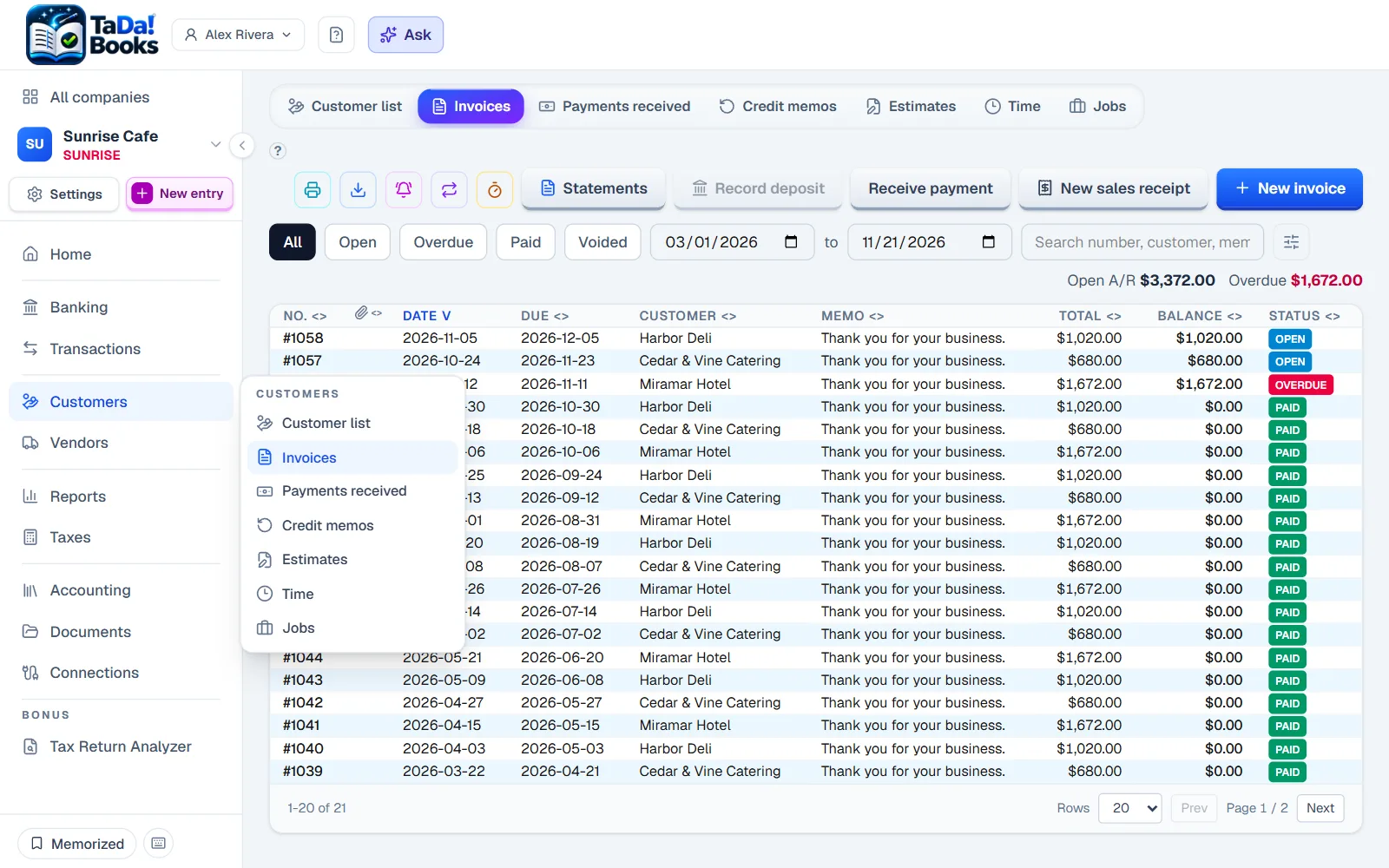
Invoices that look like your business and get followed up.
- Invoices
Branded invoices with discounts, deposits, shipping, progress billing and retainage.
- Estimates your customer approves
Share an estimate as a link; the customer approves it online and it becomes an invoice.
- Recurring invoices
Invoices that repeat on their own schedule.
- Statements and reminders
Customer statements, payment reminders and late fees.
- The customer portal
Your customers see their own invoices and statements in one place.
Buying
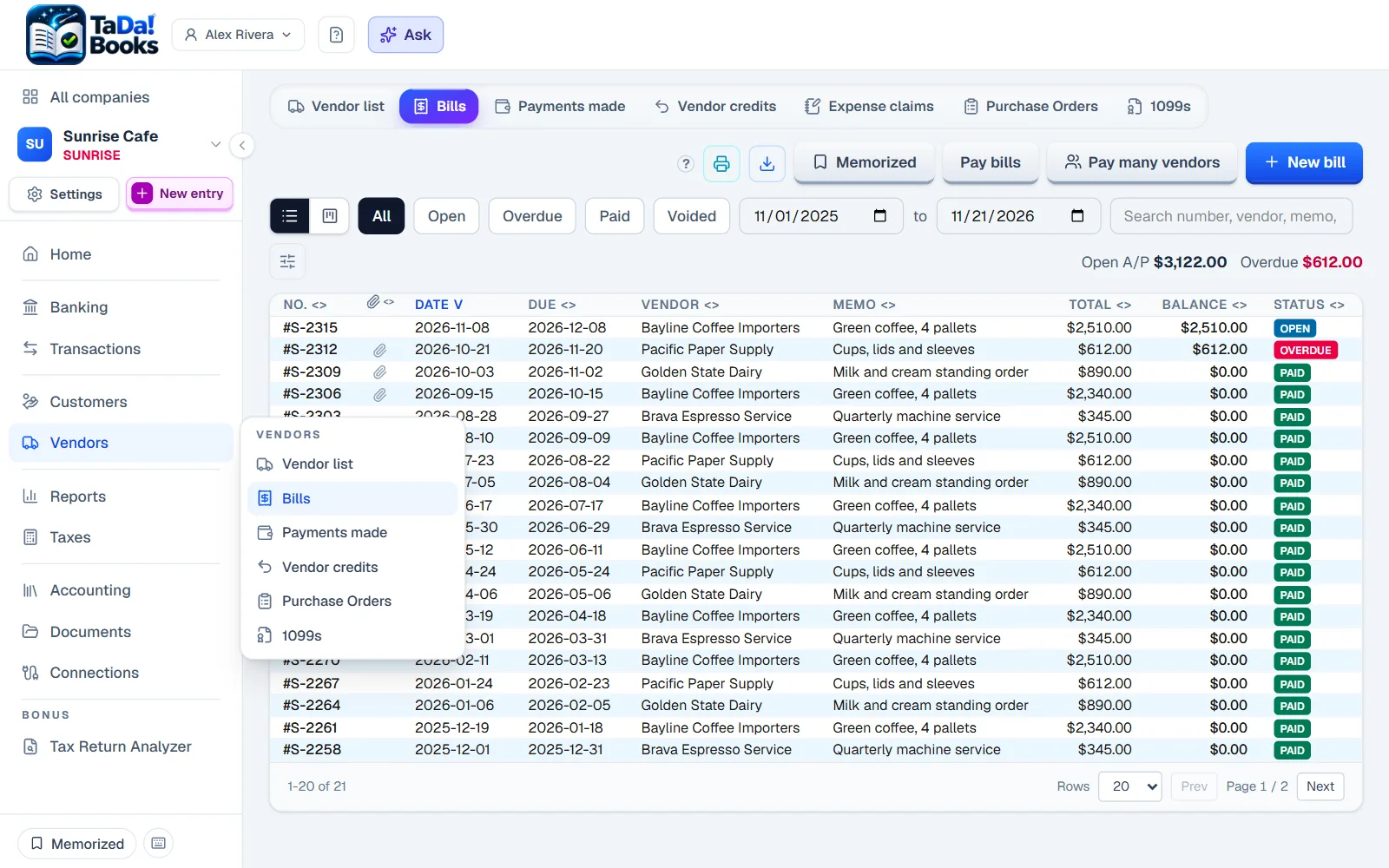
Bills in from the paper, paid in one run, ready for 1099s.
- Bills from paper
A vendor's bill becomes an unpaid bill straight from its PDF or photo.
- Pay many vendors at once
Pick what to pay, and one payment per vendor goes out in one run.
- Purchase orders
Order, receive, then turn the purchase order into a bill.
- 1099s and W-9s
Collect W-9s by link and produce the 1099 copies at year end.
- Bill approvals
A bill waits for the right person's yes before it can be paid.
- Expense claims
People hand in what they spent, with the receipt, for you to approve.
Rentals
Property books inside the same ledger, not a second system.
- Properties and units
Every property and unit, with its state: leased, vacant, moving in, behind.
- Tenants and leases
Who lives where, the lease, the rent and the next deadline.
- Rent and late fees
Rent charged and collected, late fees by your rules, what is owed at a glance.
- Managers and owners
Properties run by a manager, owned by percent, with statements for each owner.
- Trust accounting
Owners' rents, tenants' deposits and reserves held in trust, showing whose money every dollar is.
- 1,850.00Paid128 Palmetto Ln. Unit 1J. Okafor
- 1,795.00Due128 Palmetto Ln. Unit 2M. Lindqvist
- 2,400.00Late40 Harbor View Dr.R. Patel
- 1,650.00Vacant9 Quarry Rd. Unit BNo tenant
Documents
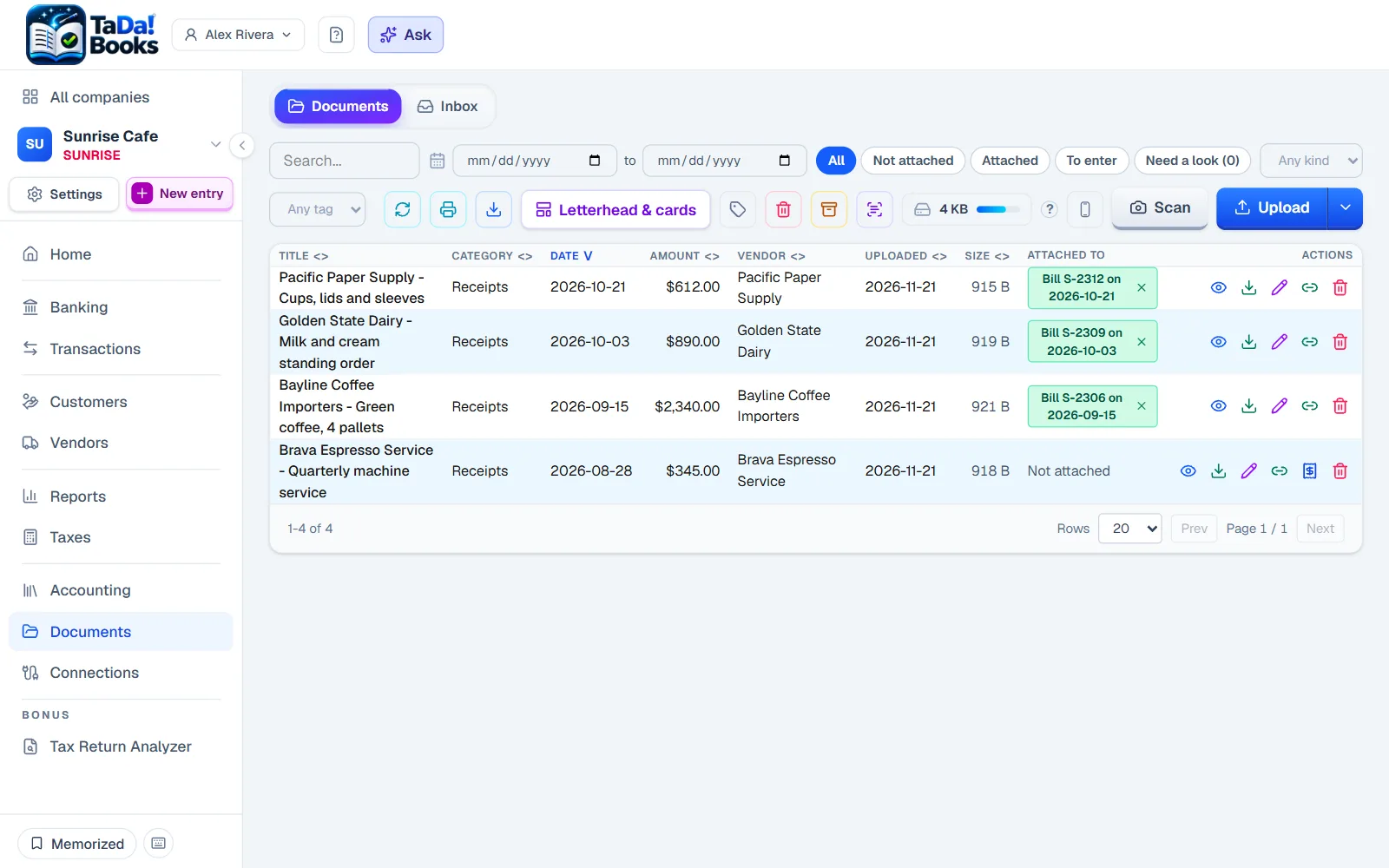
Every paper kept beside the transaction it explains.
- The document vault
Bills, receipts, statements, leases and returns, filed and found in seconds.
- The phone scanner
Photograph a receipt, and the vendor, date, total and tax fill themselves in.
- An inbox for paper
Drop papers in from any screen and file them when you are ready.
Reports and the close
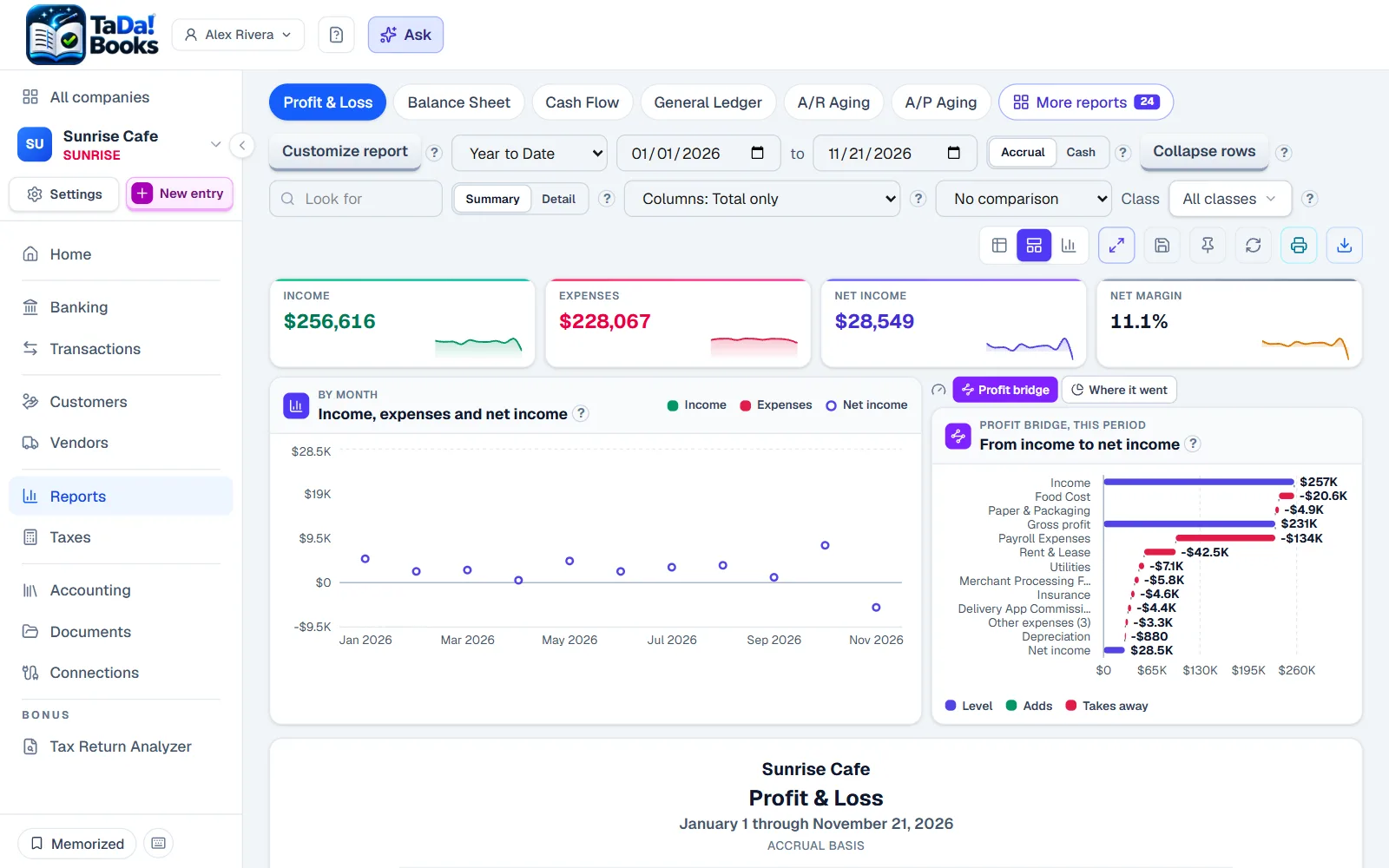
Every standard report, live, never a stale copy.
- Live reports
Profit and Loss, Balance Sheet, Cash Flow, ledgers and more, up to date the moment you open them.
- Budgets
Plan the year and see how each month is tracking.
- Closing the year
Loose ends found for you, and the year closed after the return is filed, so filed numbers cannot change by accident.
- Books health
A daily check that the books still add up, and a note when something does not.
- Classes
Tag lines by property, store or line of business, and read any report per class or all together.
- Jobs and projects
Income, cost and margin per job, with your estimate beside the actual.
Taxes
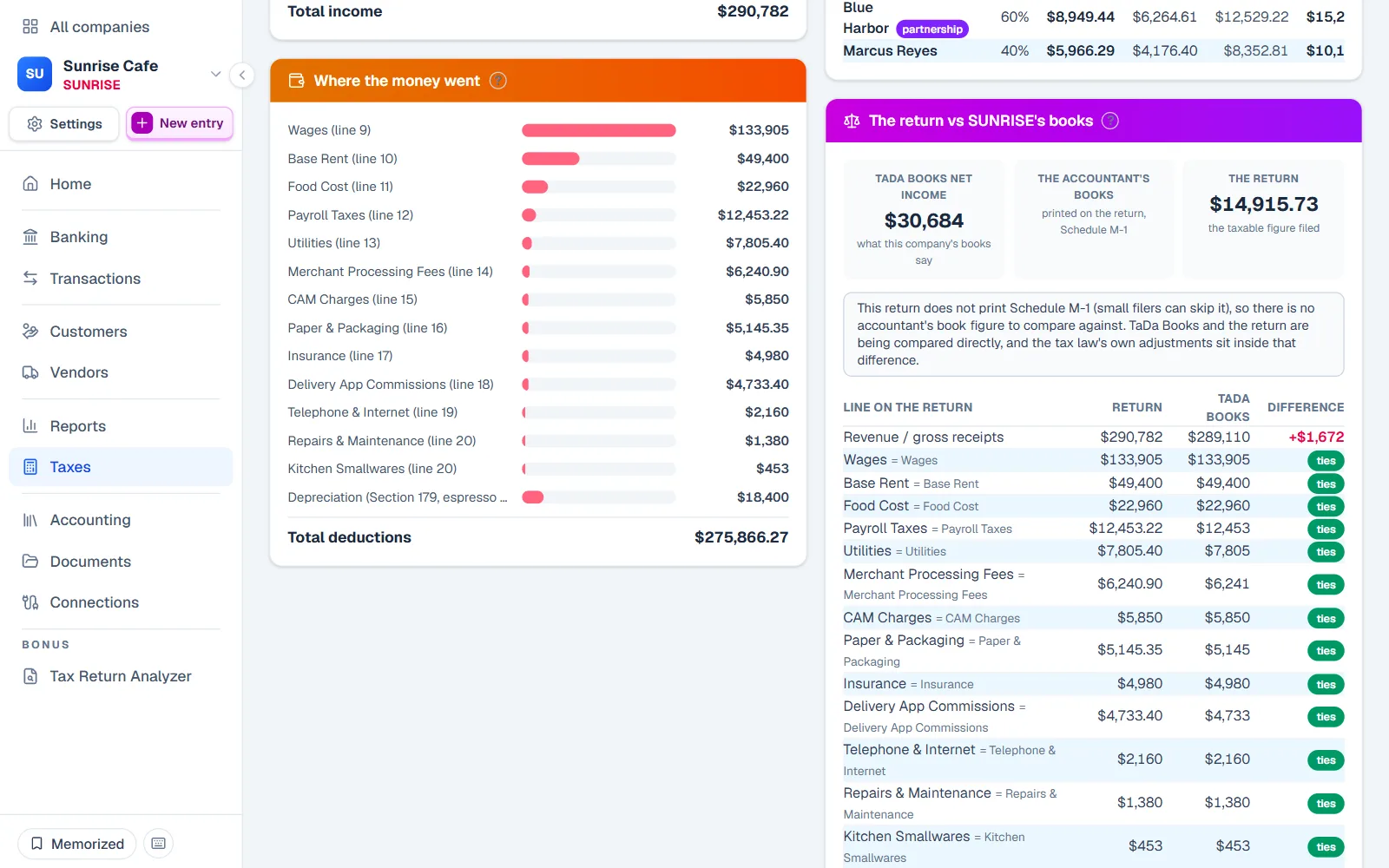
From sales tax to the return your accountant files.
- Sales tax returns
What you charged and owe per state and period, with every filing kept.
- Tax workpapers
Tax adjustments kept all year next to the books, instead of once in April.
- The Tax Return AnalyzerBeta
Your finished return read back to you in plain words, and checked against the papers that went in.
- The year-end package
Everything your accountant needs, including a trial balance for their tax software.
For accountants and bookkeepers
Built to be worked on by the person who keeps the books.
- One client list
Every set of books you keep, the state of each and the next thing to do.
- Requests both ways
Ask for a receipt from the entry it is about; the answer attaches itself.
- Your name on the papers
Reports you prepare carry your firm's name.
- The partner program
Firm terms for accountants and bookkeepers who bring their clients.
And more
The rest of what a business runs on.
- The assistant
Ask about your own books in plain words; every figure links to where it came from.
- More than one currency
Invoices, bills and bank accounts in other currencies.
- Items and inventory
Products and services on every line, with stock on hand.
- Time and billing
Track time and turn it into invoices.
- Fixed assets
Assets and their depreciation, month by month.
- Prepaids and accruals
A year of insurance paid upfront, spread by itself over the months it covers.
- The company calendar
Every bill that comes due on a schedule, in one month view, with reminders.
- Mileage
A log of every business trip, with what each one is worth.
- Custom fields
Your own boxes on your own forms: a job site, a permit number, a unit.
- Letterheads and business cards
Designed from the company's own facts, so nothing is typed twice.
- Payroll import
Your payroll service runs payroll; each pay date comes in as one balanced entry. Payroll itself is not run here.
- Phone and computer apps
Install it on your phone and your computer like any app.
- API and webhooks
Connect your own tools to your books.
See it with sample books
Three invented companies, two years of books, nothing to sign up for.